
Divi Selector Toggle
Switch Divi Layouts Instantly — No Code. No Bloat.
Let your visitors toggle between pricing plans, seasonal content, product variants or layouts with a simple button or dropdown.
Lightweight plugin. Zero conflicts. Works with Divi 4 & 5.

The Smartest Way to Toggle Content in Divi
Tired of duplicating pages or adding messy custom code just to show different layouts in one spot?
Divi Selector Toggle lets you switch entire Divi sections, rows, or modules using buttons or a dropdown — without needing custom modules or JavaScript.
Each toggle option shows a different Divi layout. It’s perfect for:
- Pricing tables (Monthly vs Yearly)
- Language or region variants
- Seasonal offers or themes
- A/B layout testing
No builder hacks. No conflicts. Just a clean solution using your existing Divi workflow.
✅ Dropdown or button toggle
✅ Uses CSS IDs you already assign
✅ Lightweight & Visual Builder safe
✅ One shortcode, no setup
✅ Full Divi 4 + 5 compatibility
selector toggle –
How to use
Steps:
- Install plugin & activate
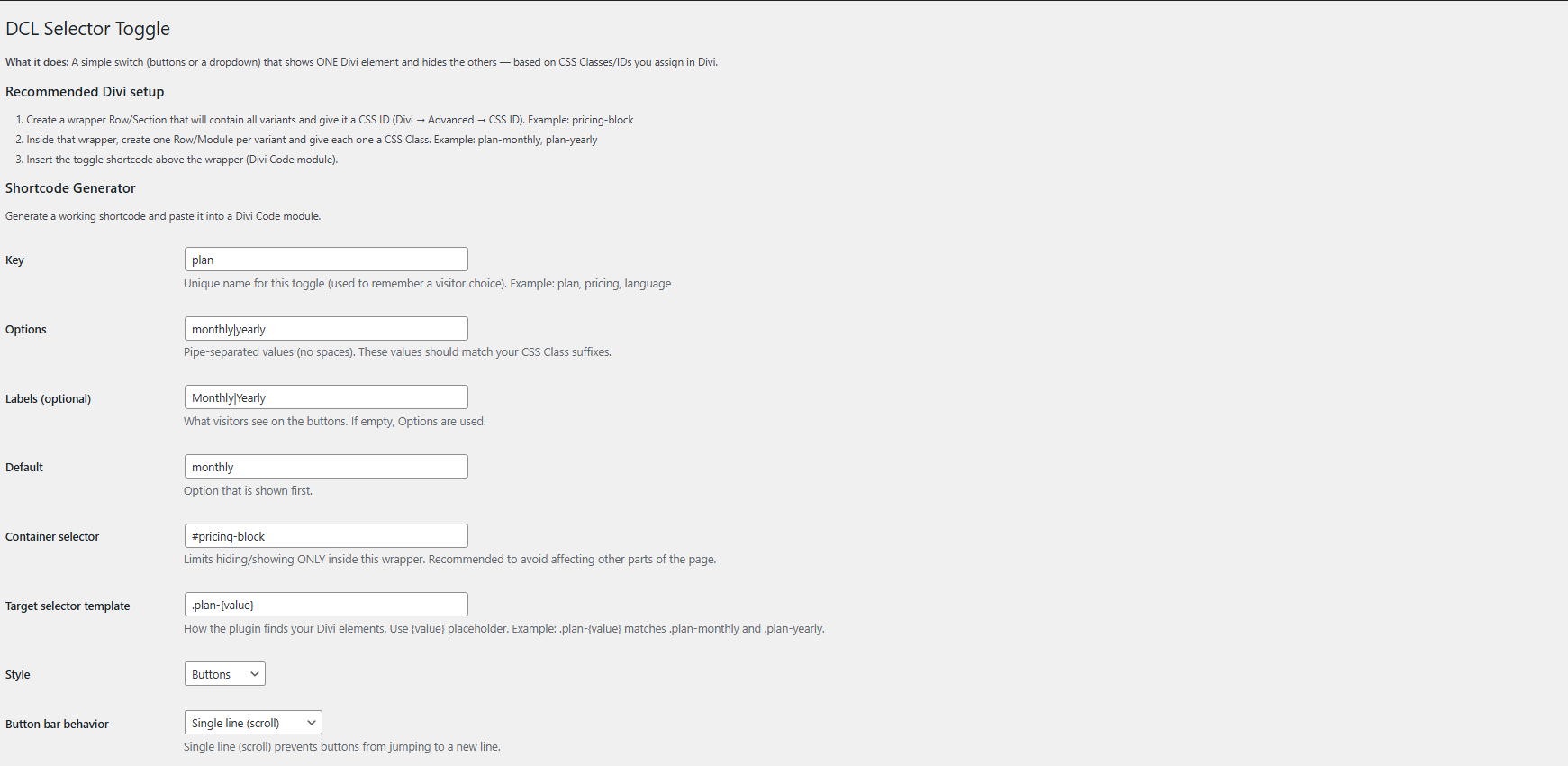
- Go to “Divi Selector Toggle” settings
- Define your toggle key (e.g. plan, language)
- Enter toggle options (pipe-separated)
- Set default value and labels
- Generate shortcode
- Paste shortcode in Divi using Code Module
- Assign matching IDs to layouts you want to toggle
- Done — switch views on click!
⚡ No coding. Just design freely — toggle controls what’s visible
Live Examples – Toggle in Action
Click the buttons below to see how your layout can instantly switch.
Week plan
Subtitle goes Here- This feature is included
- This feature is included
- This feature is included
Monthly plan
Subtitle goes Here- This feature is included
- This feature is included
- This feature is included
Yearly plan
Subtitle goes Here- This feature is included
- This feature is included
- This feature is included

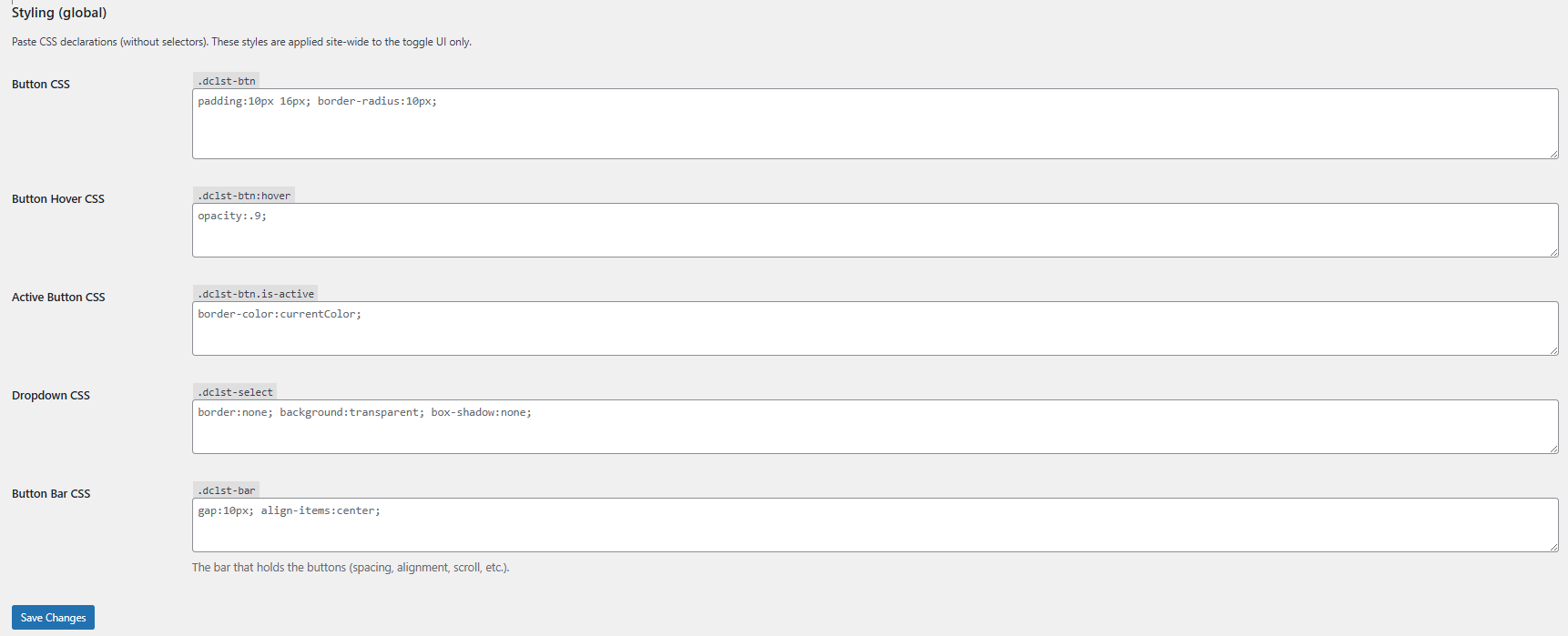
The selector toggle works with all DIVI modules – you can place not just text inside the toggle, but also images, blurbs, contact forms, or any other module you like!

Your content goes here. Edit or remove this text inline or in the module Content settings. You can also style every aspect of this content in the module Design settings and even apply custom CSS to this text in the module Advanced settings.
Your Title Goes Here

Name Goes Here
Position
Your content goes here. Edit or remove this text inline or in the module Content settings. You can also style every aspect of this content in the module Design settings and even apply custom CSS to this text in the module Advanced settings.