Divi hide header & footer
Divi Hide Header & Footer is a lightweight plugin that lets you easily hide the Divi theme header and footer without writing CSS. Choose per-page or global rules, and target specific devices (desktop, tablet, mobile).

ABOUT
With Divi Hide Header & Footer, you can instantly control visibility with a simple checkbox — no coding required.
Whether you’re building a landing page, a custom sales funnel, or just want a clean design without navigation, this plugin makes it effortless.
Features:
Hide Header & Footer with 1 click – instantly remove Divi’s main header and footer areas.
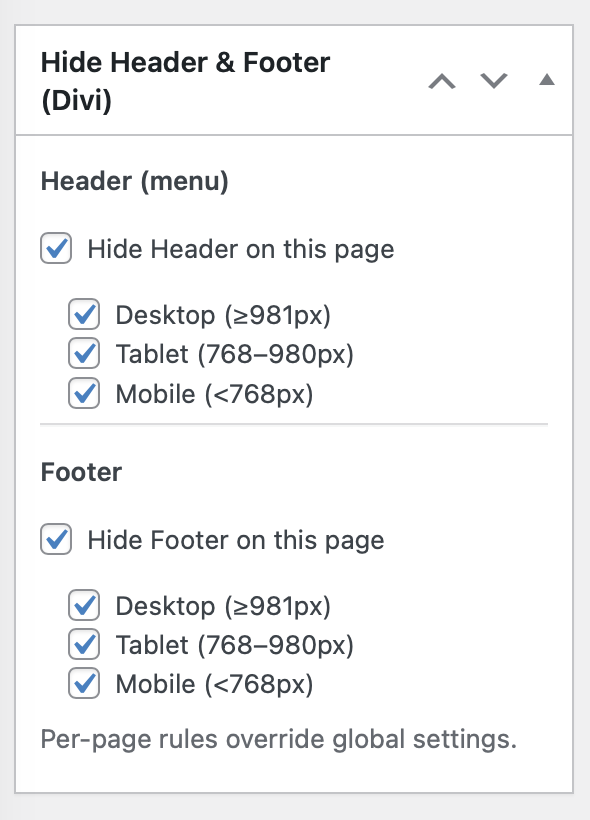
Per-Page Control – choose visibility for individual pages, posts, or custom post types.
Global Rules – set default visibility site-wide, then override per page.
Device Targeting – hide elements only on Desktop, Tablet, or Mobile.
Smart Defaults – when you enable “Hide”, all devices are auto-selected (you can uncheck what you need).
Perfect for Landing Pages – create distraction-free layouts without extra CSS hacks.
Zero Coding Needed – everything is managed from checkboxes inside the editor.
Lightweight & Fast – no bloat, built specifically for Divi users.
Divi hide header & footer
How to Use:
Edit any page or post.
In the sidebar (Document settings), find the “Hide Header & Footer (Divi)” panel.
Check “Hide Header” and/or “Hide Footer”.
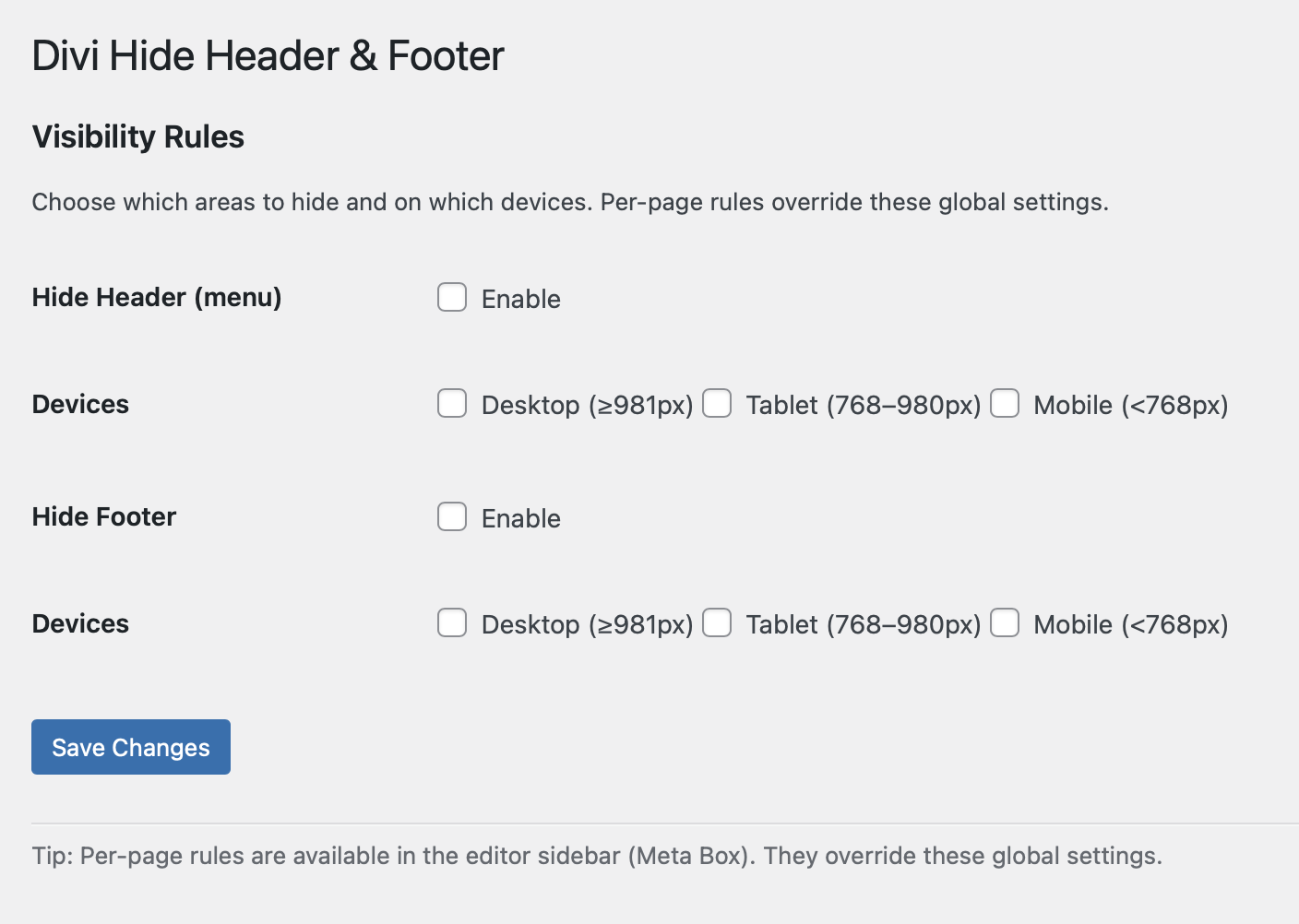
Global Settings (Optional)
Go to Settings → Hide Header & Footer.
Apply default site-wide rules (e.g., hide header everywhere).
Per-page settings always override global rules.
✅ No CSS, no theme editing — just checkboxes.
Open the live examples