
DIVI PROJECT PERMALINKS
Clean, SEO-friendly Divi Project URLs by category or custom slug. 301 redirects + export/import.

ABOUT
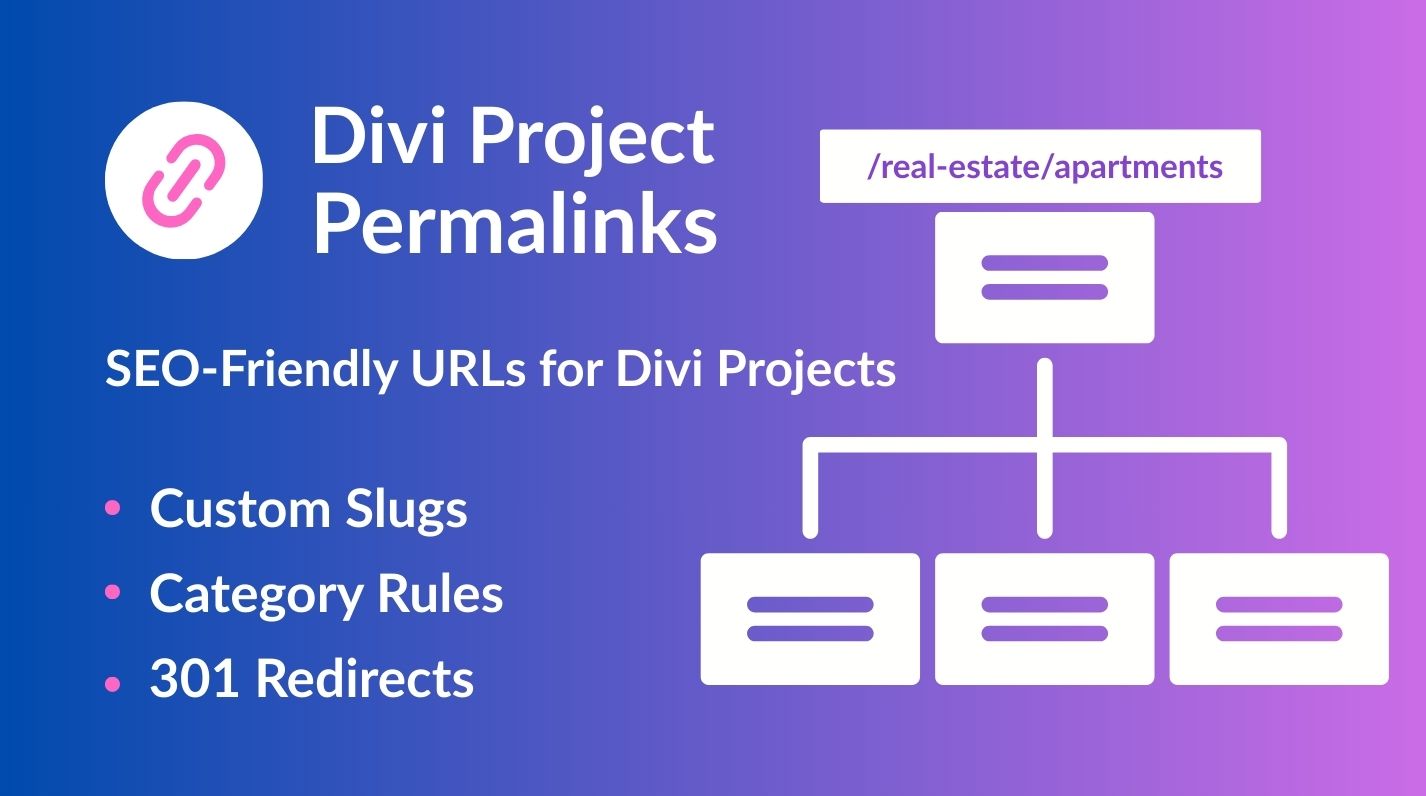
Divi Project Permalinks lets you build clean URLs for Divi’s Project post type based on the primary category (supports Yoast SEO “Primary category”) or a custom base (slug) defined via rules. Set a default base, add per-category rules, and keep rankings intact with optional 301 redirects when structures change.
The plugin has no external dependencies, follows WordPress best practices, and is fully translation-ready.




Live Demo — Divi Project Permalinks
What this demo shows:
-
Category-based single Project URLs
-
Optional 301 redirect to the canonical URL
-
Singles only (archives unchanged)
Open the live examples
- Apartments example: https://panelesvetaine.lt/real-estate/apartments/apartment-123
- Villas example: https://panelesvetaine.lt/real-estate/villas/villa-123
Test the 301 redirect

Settings used in this demo
- Default Base: /projects/
- Category Rules:
1. apartments → /real-estate/apartments/
2. villas → /real-estate/villas/
301 Redirects: Enabled
FAQ
I get 404 on single projects
Open Settings → Permalinks and click Save Changes. This flushes rewrite rules.
What happens when I choose “Custom slug”?
We automatically create a `project_category` with that slug (if it doesn’t exist) and store the rule as a category-based rule.
Will this affect archive pages?
This plugin focuses on **single** project URLs. Category archives behave as normal.
Do I need Yoast SEO?
No. If Yoast is active, the Primary Term is used as the project’s primary category. Otherwise, the first assigned term is used.
What do 301 redirects do?
When enabled, single project pages that are accessed via a non-canonical base are permanently redirected (301) to the canonical URL generated from your rules.